Got it! This site uses cookies. You consent to this by clicking on "Got it!" or by continuing to use this website.nbsp; Note: This appears on each machine/browser from which this site is accessed.
One way to achieve an image animation is to generate a series of images and then combine them into an image format that supports animation.
One such format is an animated gif Image file.
The Python PIL library supports this. This page looks at using 3D images created using matplotlib and creating an animated GIF (Graphics Interchange Format) image.
2. Animated Pentagram
Here is an animation of a pentagram, which has embedded Golden Ratio's and was studied by Pythagoras.
3. Images
Here is an image of the 36 images generated with a bounding box around each one. A clipping path is used to capture just the part needed for an image.
4. Static image
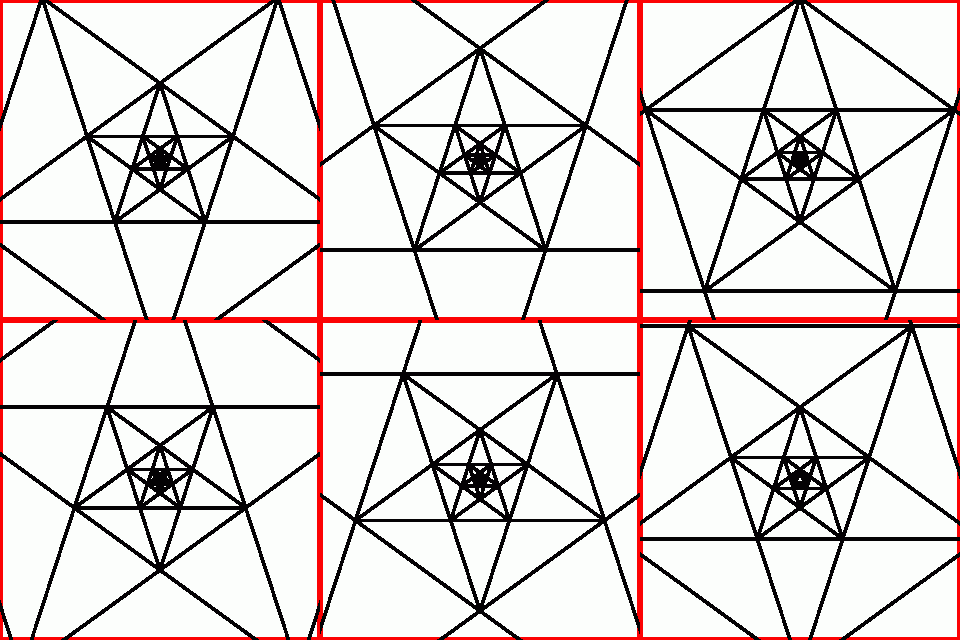
Here is a static image.
Note that there are two cycles in the flipping and that the progression is geometric and not linear. This is needed so that the animation appears smooth and continuous.
5. Images
In Python, the PIL (Python Imaging Library) can be used to create animations.
An animated GIF image does not provide a lot of control over certain animation features.
Some low-level control is possible if the API (Application Program Interface) (in this case, matplotlib) supports that fine-grained control.
One simple way to vary the length of one frame is to just repeat that frame more than once.
The GIF specification permits fine-grained control but not necessarily the API to create the animated image.

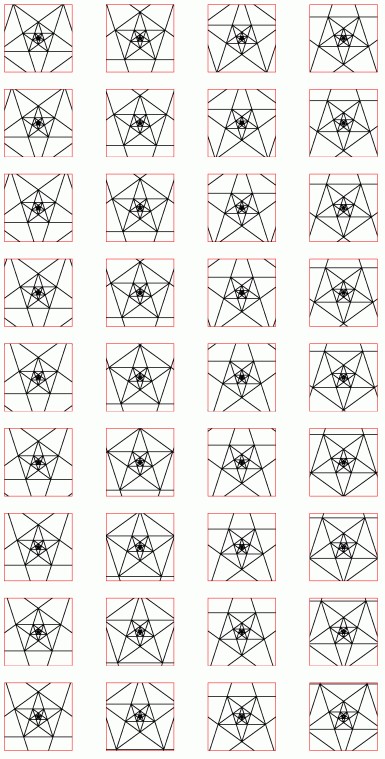 Here is an image of the 36 images generated with a bounding box around each one. A clipping path is used to capture just the part needed for an image.